Workstation strategy
Match the machine to the work: editing, design, operations, AI tools, bookkeeping, or mixed production.
Forged in the DVRK
A workspace designed around... You.
Problem
Tech friction rarely comes down to one bad part or an outdated machine. The bigger issues usually come from misunderstood needs, poor communication, and mismatched expectations.
Who It Is For
Content creators outgrowing a scattered editing or production setup.
Small business owners who need reliable systems without becoming their own IT department.
Serious tech users who want a cleaner environment and better buying decisions.
Teams preparing for a new workstation, office refresh, storage plan, or creator studio.
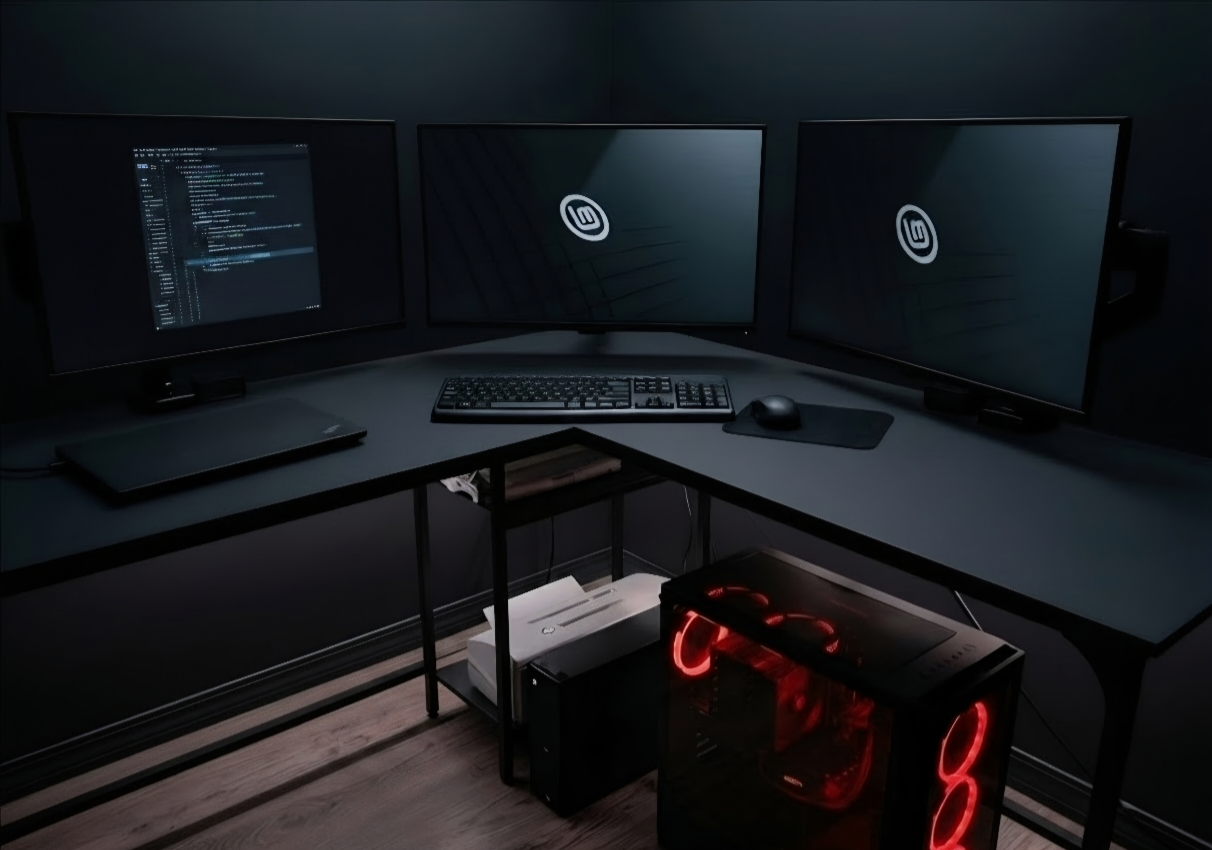
Displays, desks, peripherals, file movement, and cable paths are planned together.
What DVRK_STATION Does
The consultation looks at the entire working system so recommendations are useful, realistic, and tied to the way money, time, and files actually move.
Match the machine to the work: editing, design, operations, AI tools, bookkeeping, or mixed production.
Plan local storage, backups, file movement, and client or team delivery before hardware gets ordered.
Monitors, docks, peripherals, cable paths, audio, capture, lighting, and physical workflow.
Reduce tool friction across creative apps, business systems, file naming, and repeatable tasks.
Account for connectivity, shared assets, remote access, security basics, and how the system will be maintained.
When a custom PC is the right answer, define parts, priorities, upgrade paths, budget, and tradeoffs.
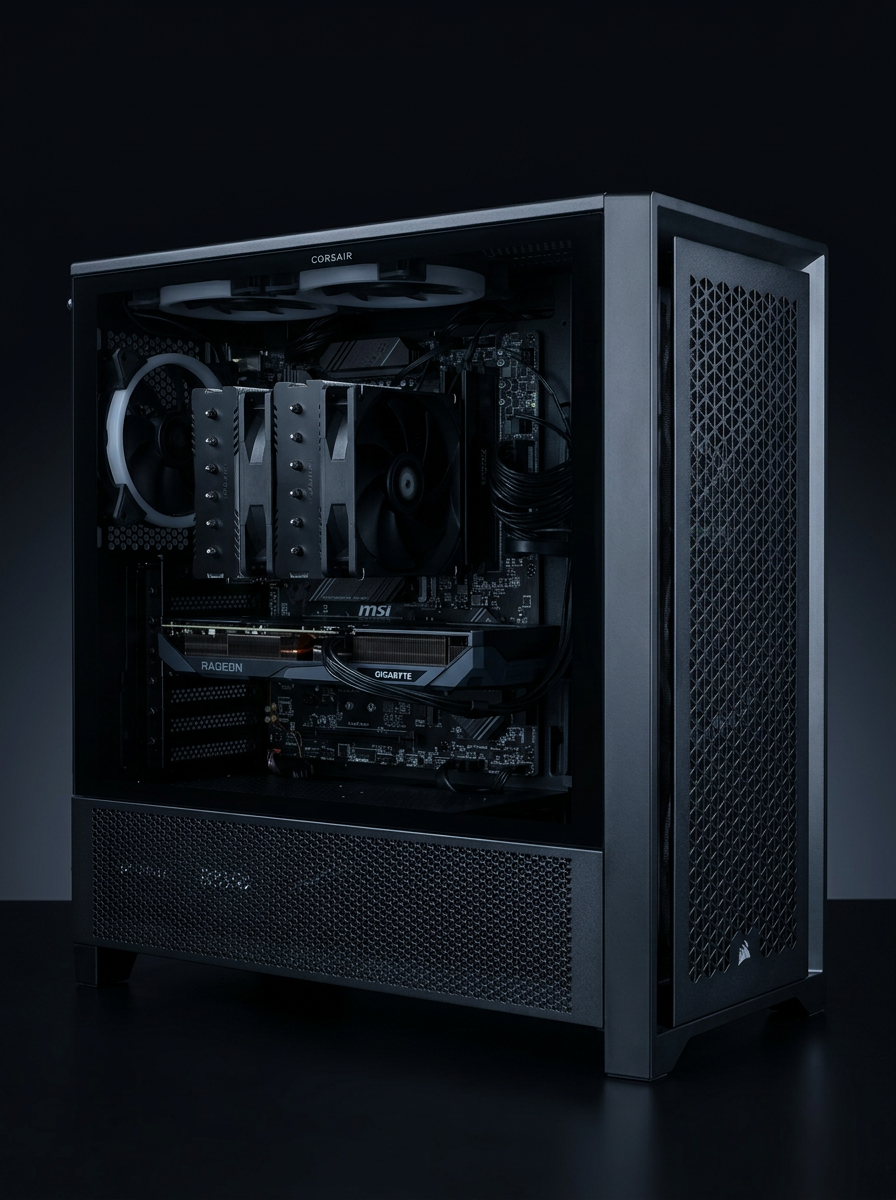
Custom hardware is scoped against workload, budget, storage, display, and maintenance requirements.
Process
Start with a focused session to understand the work, constraints, budget, and failure points. Consultations are prepaid and scheduled in advance.
Document the current workstation, desk, displays, storage, apps, network, and handoff requirements.
Turn the chaos into a practical roadmap with priorities, recommended changes, and build options where applicable.
Move from plan to purchase, setup, build coordination, workspace cleanup, and handoff documentation.
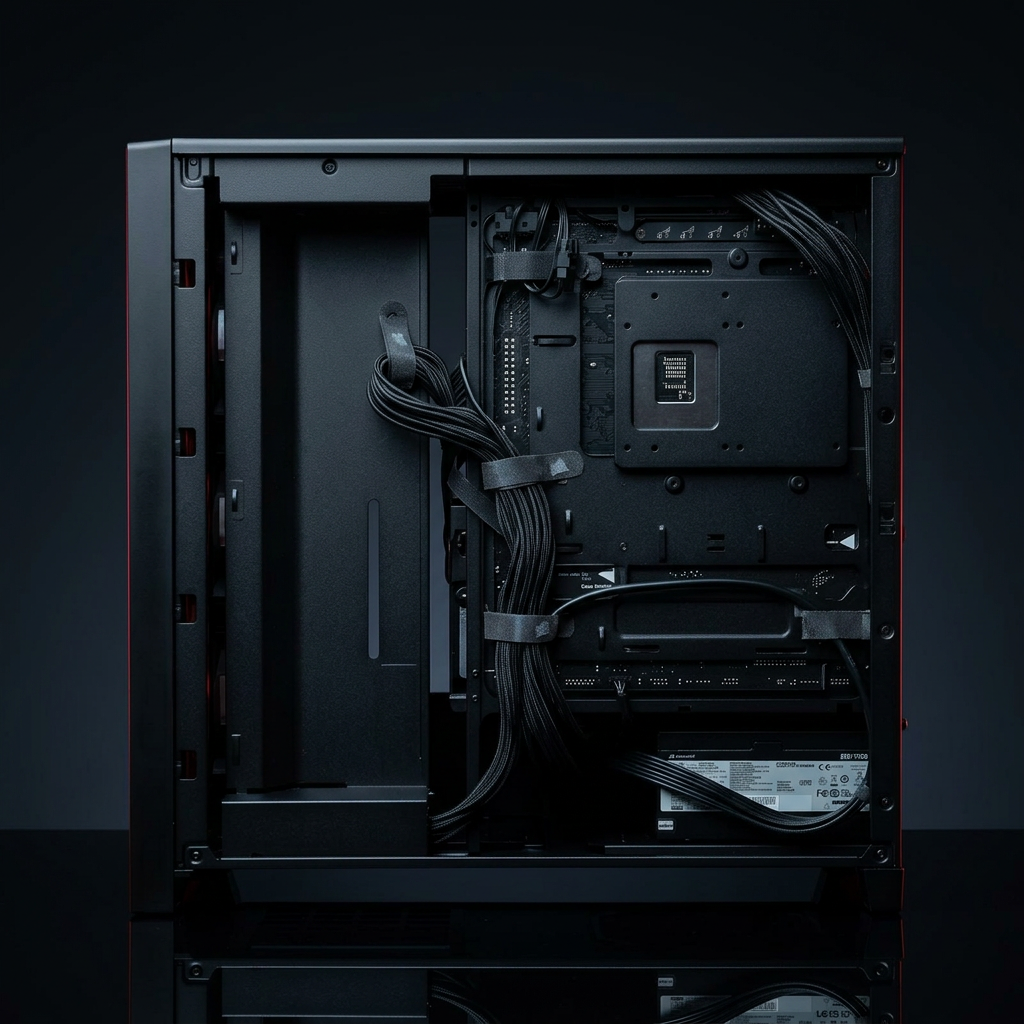
Implementation planning includes the small details that keep a setup serviceable throughout its lifecycle.
Consultation
DVRK_STATION starts with a consultation because the wrong advice gets expensive fast. Every consult ends with priorities, constraints, and next actions.
Outcomes can include:
Contact
Share what is slowing you down, what you are trying to accomplish, and what decisions you need help making. The next step is a scoped consultation.